Viewing Therapy Session Procedure Codes and Billing Details
Viewing & Updating Therapy Session Procedure Codes and Billing Details
Learn how to efficiently manage and update therapy session information within the MyTherapyWizard dashboard. This guide walks you through adjusting procedure codes, billing units, and session modifiers to ensure accurate documentation and billing records.
Navigation and Filtering
1. Navigate to https://app.mytherapywizard.com/dashboard/schedule
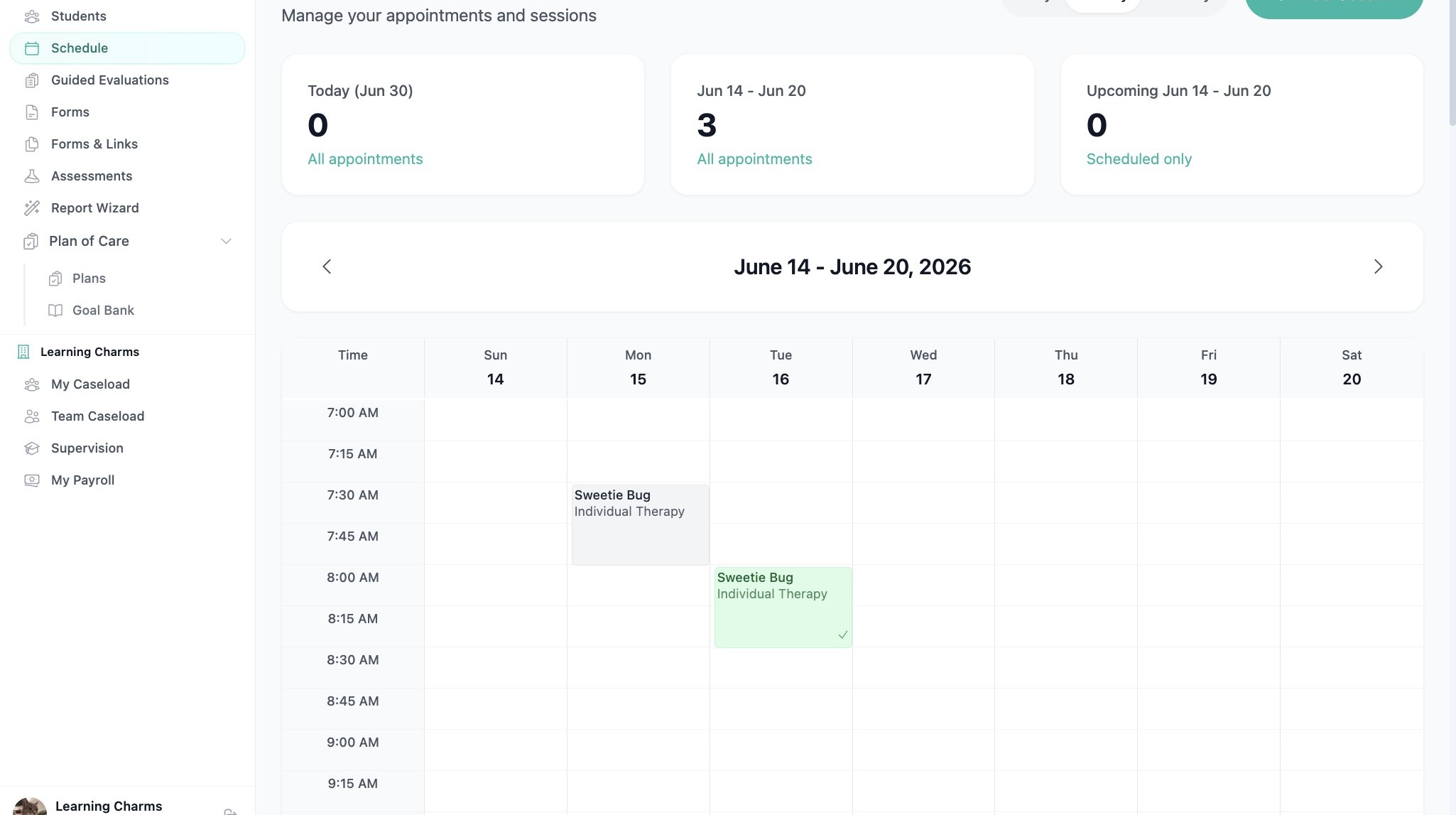
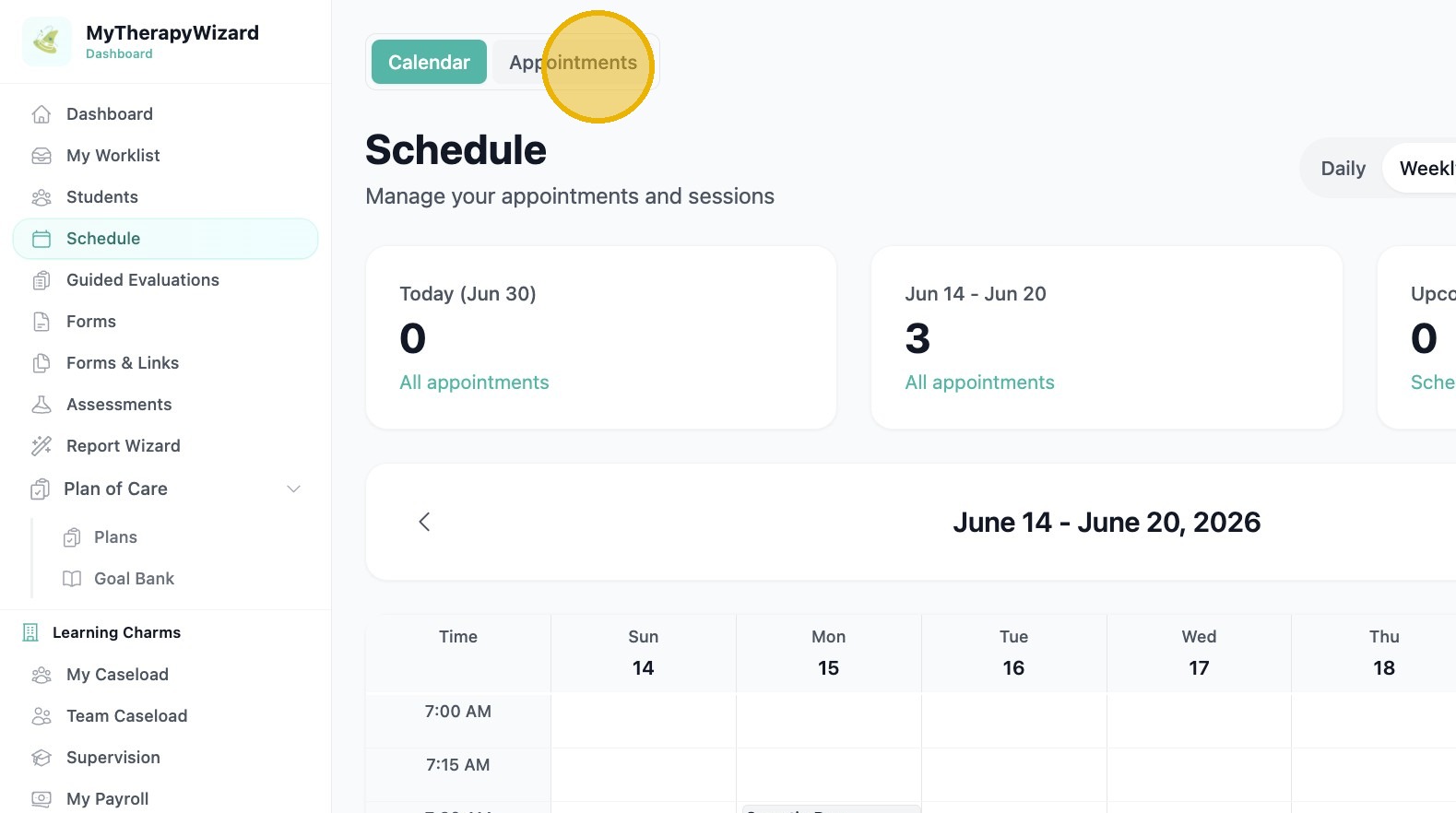
2. Click "Appointments": will show all visits
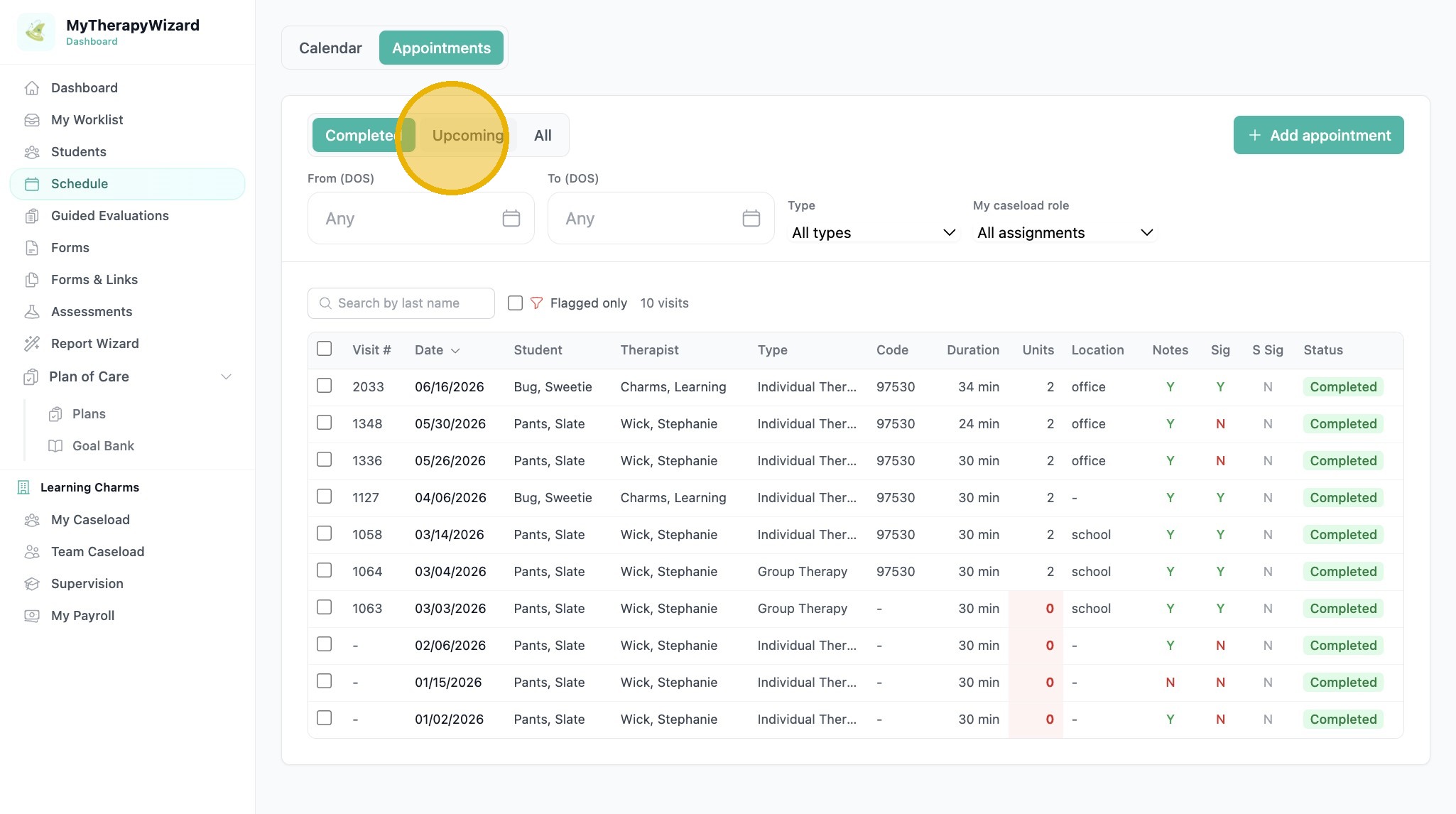
3. Click "Upcoming": will show only upcoming scheduled visits
4. Click "All"
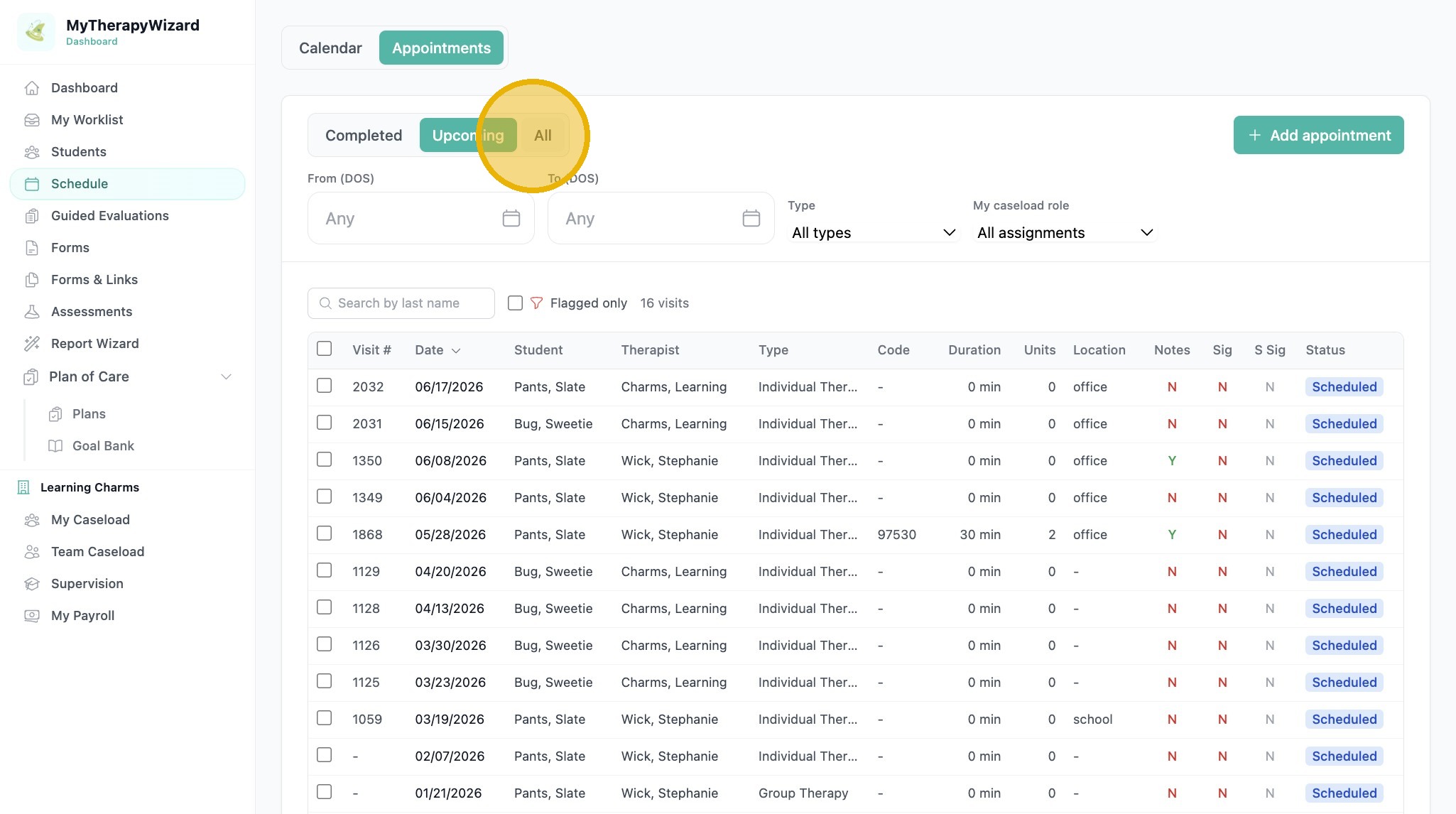
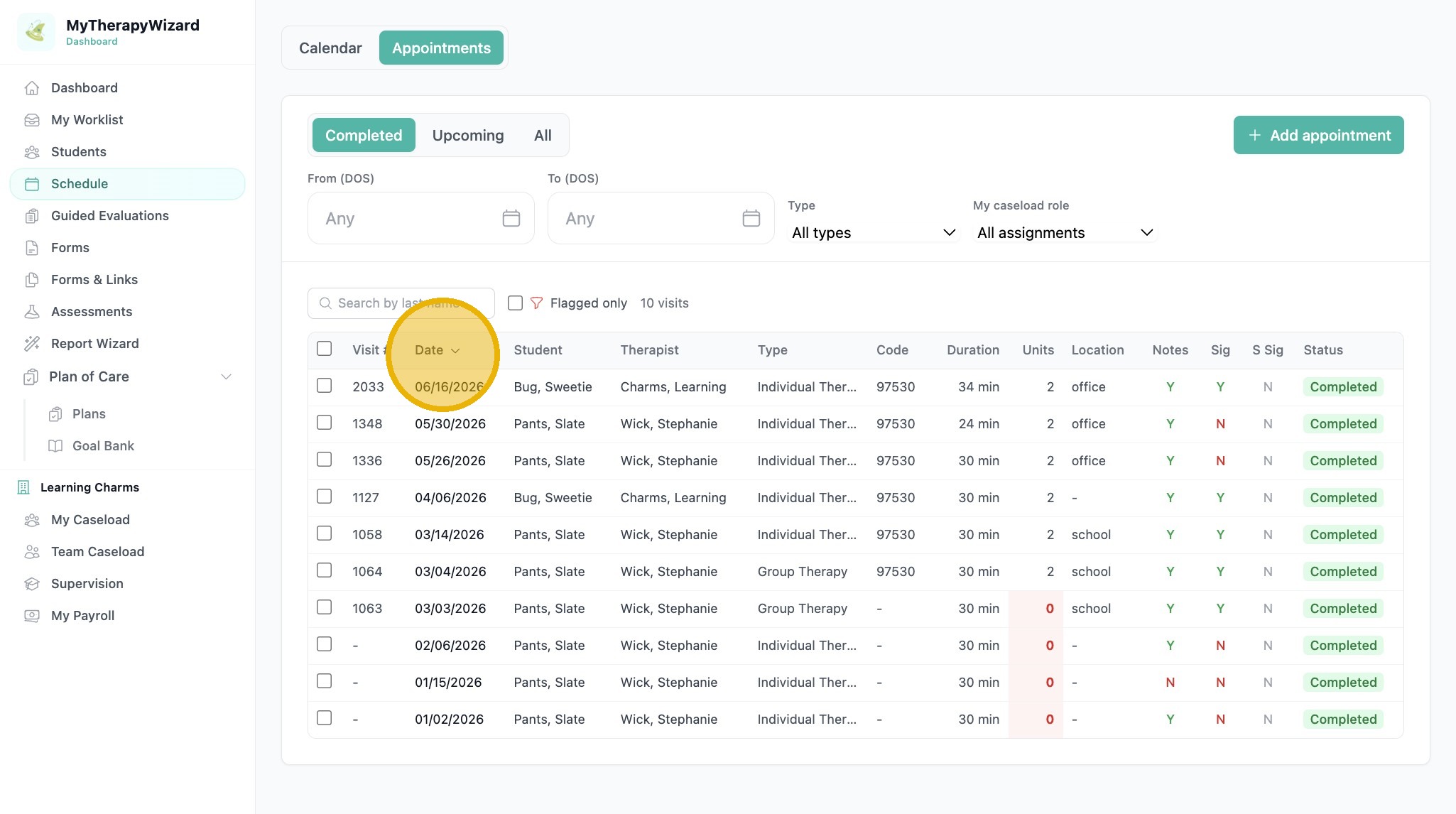
5. Click "Date" to filter by date
Session Record Update
6. Select an incomplete session from the schedule list
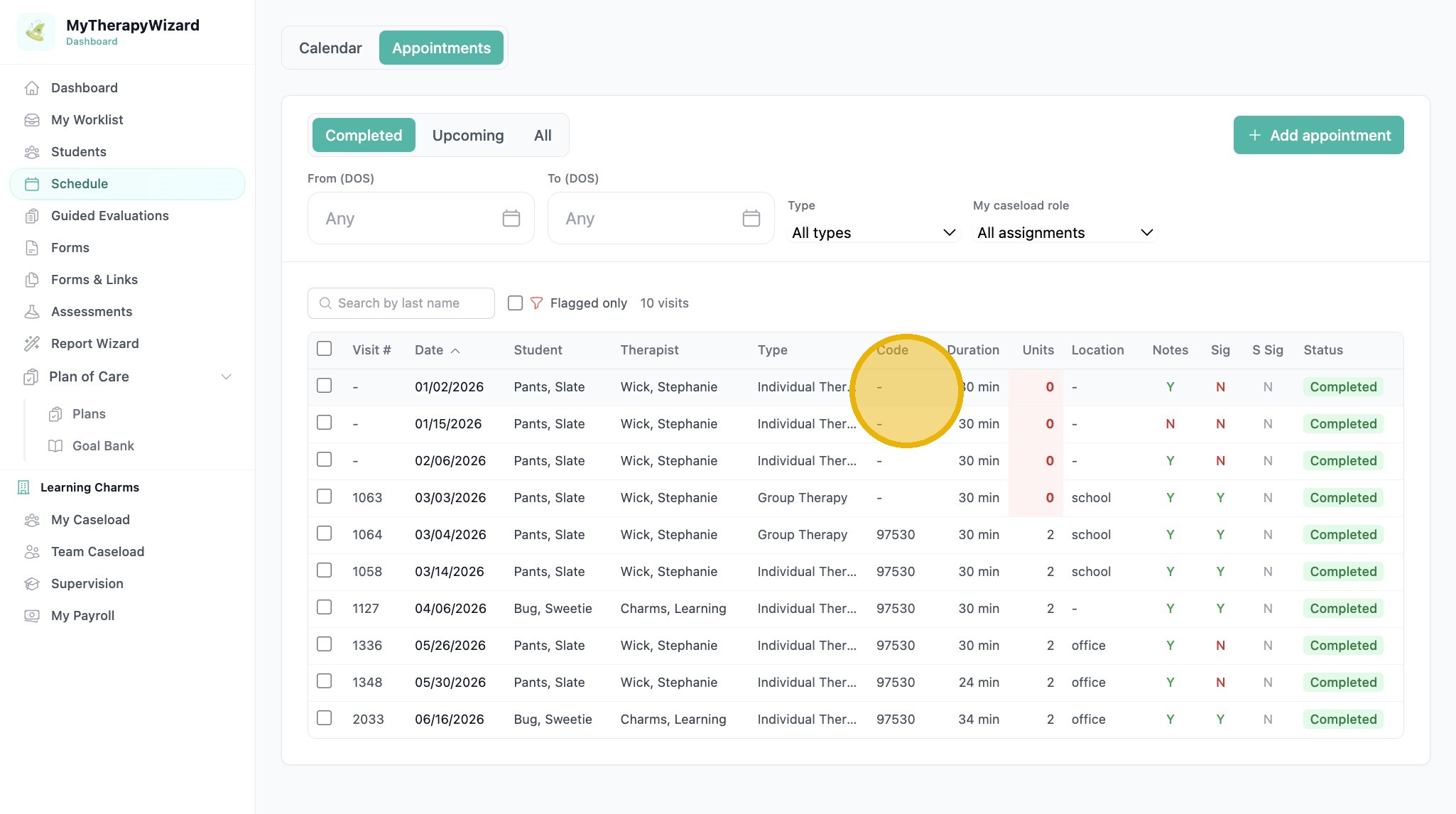
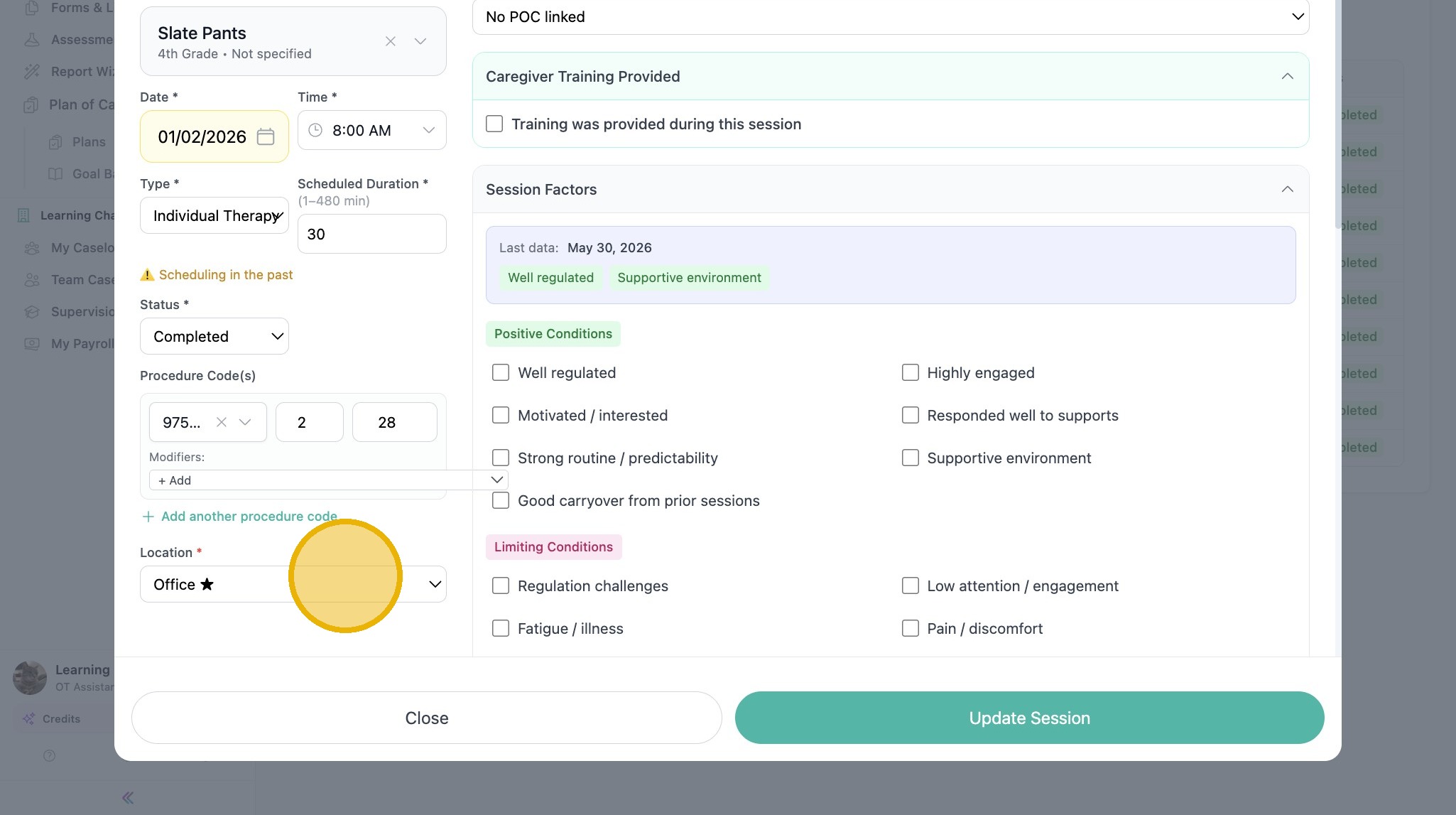
7. Open the procedure code search dropdown
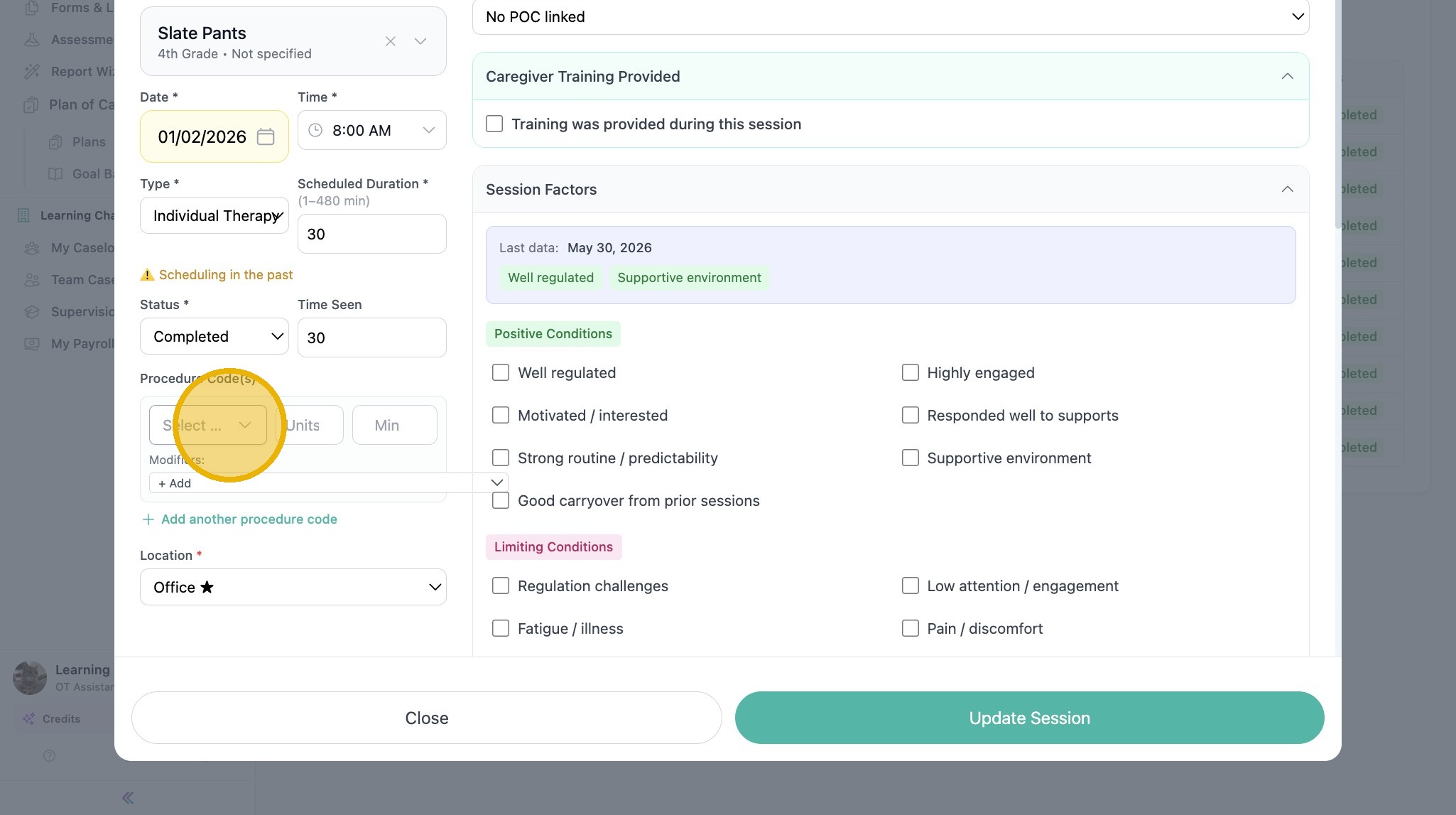
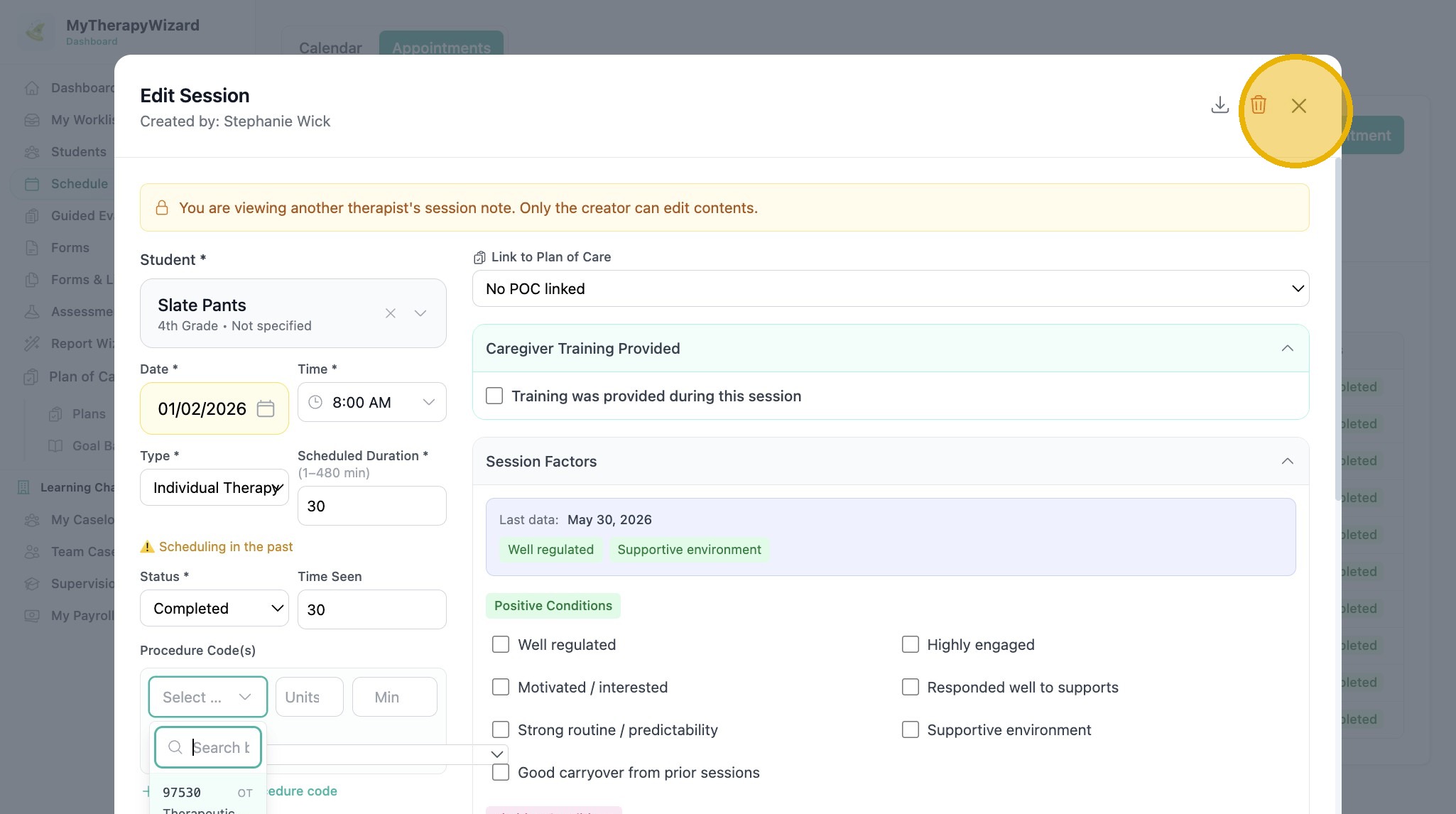
8. Select procedure code
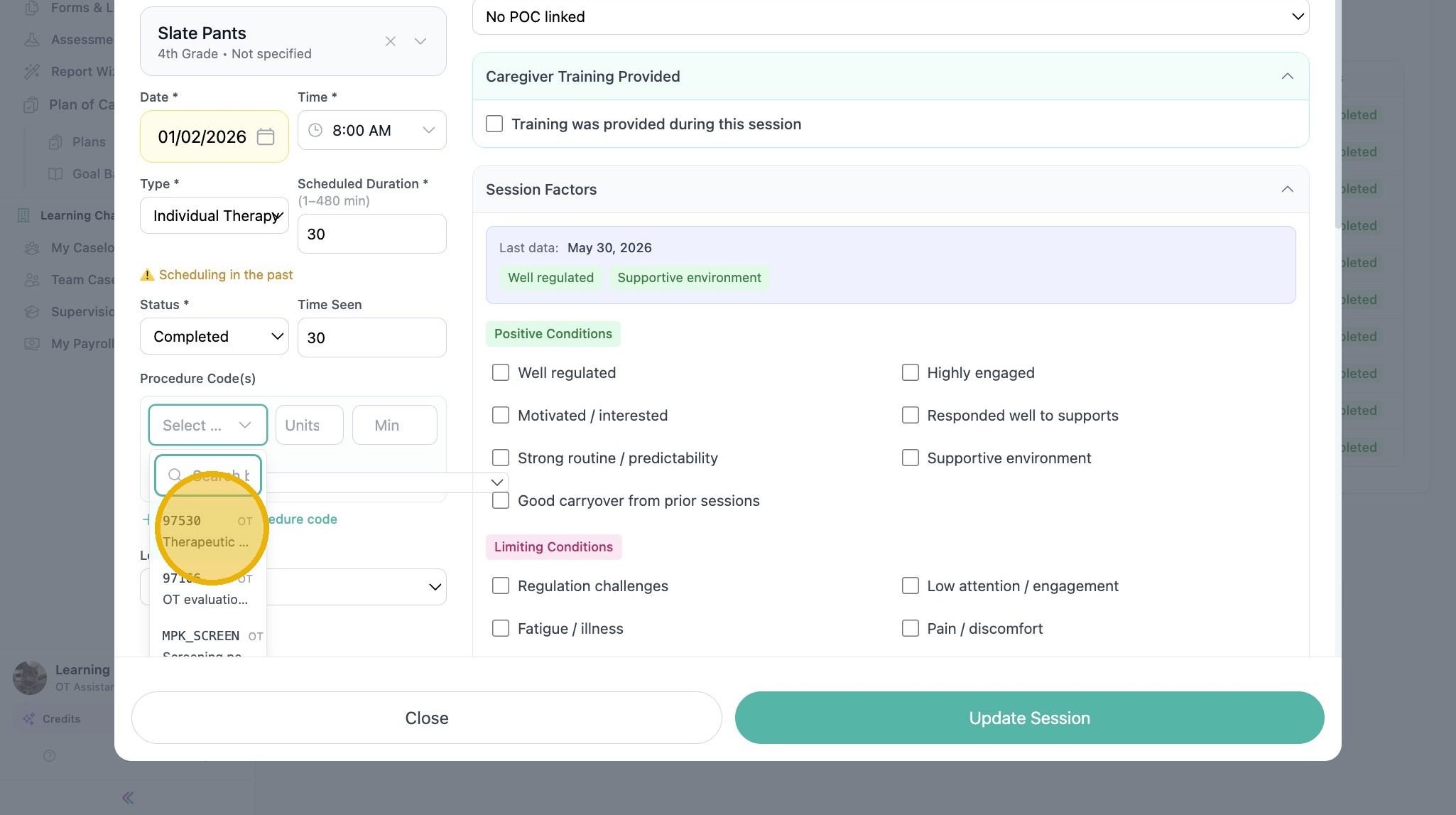
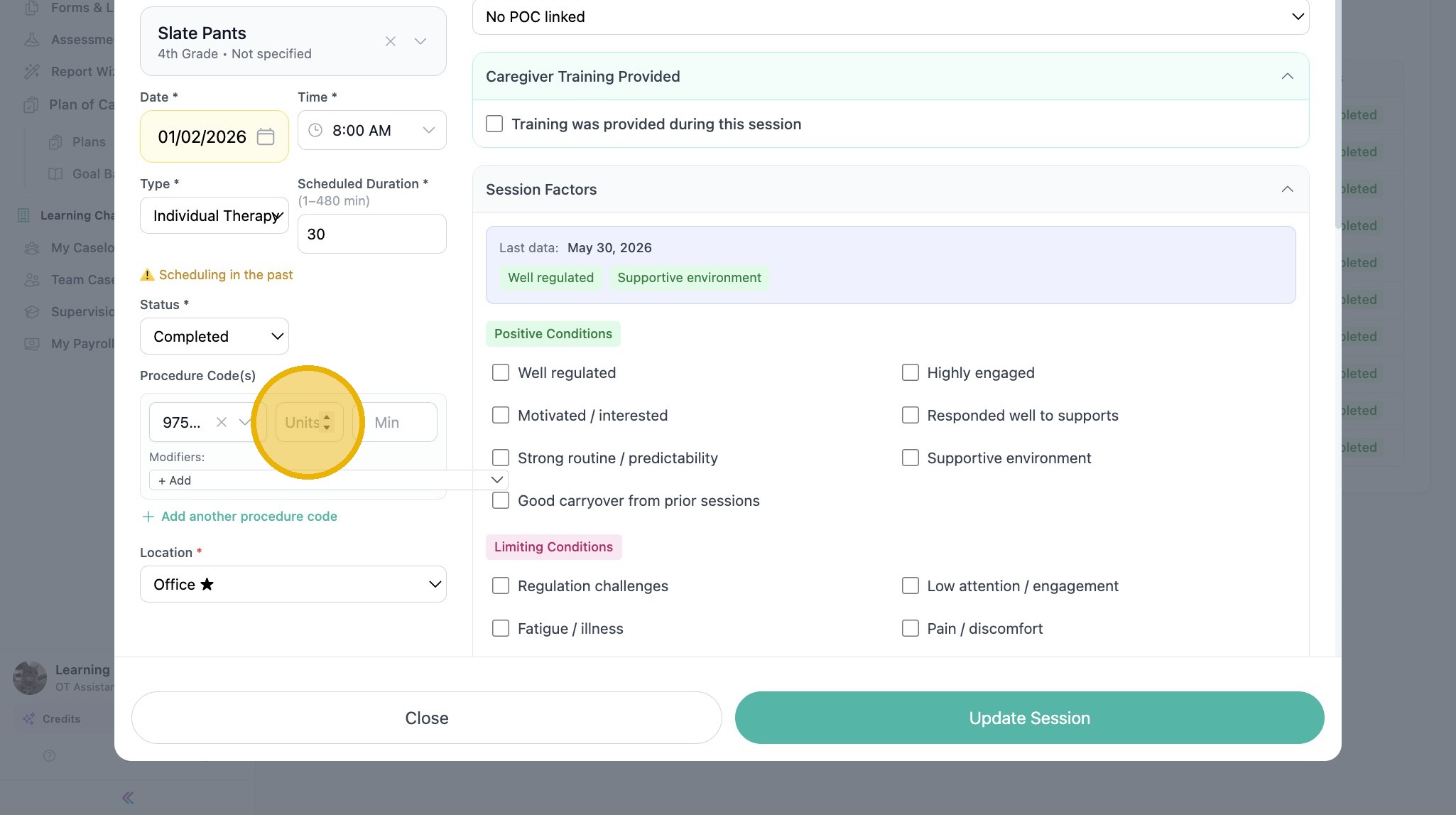
9. Type in the Units field
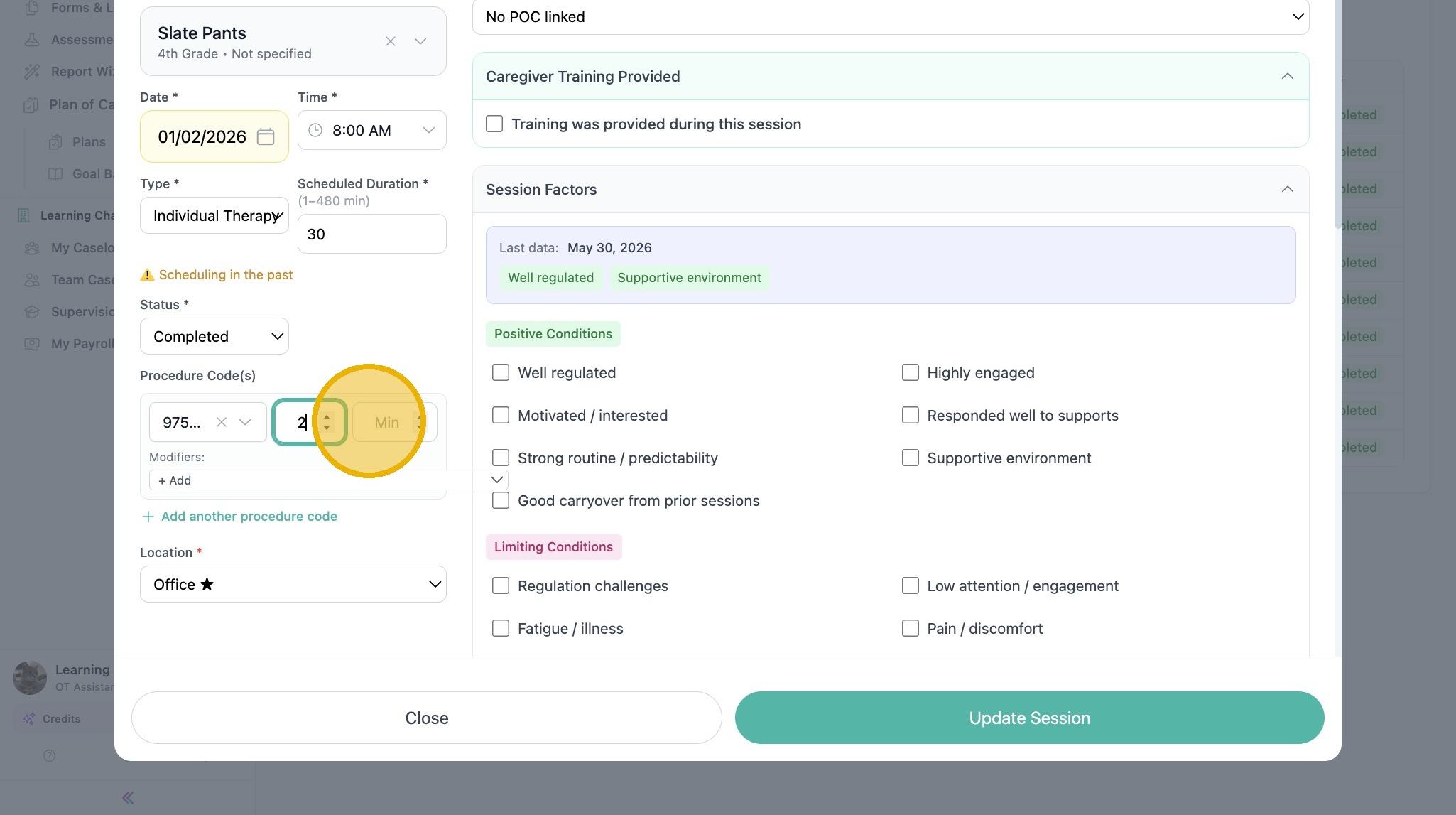
10. Add the Minutes
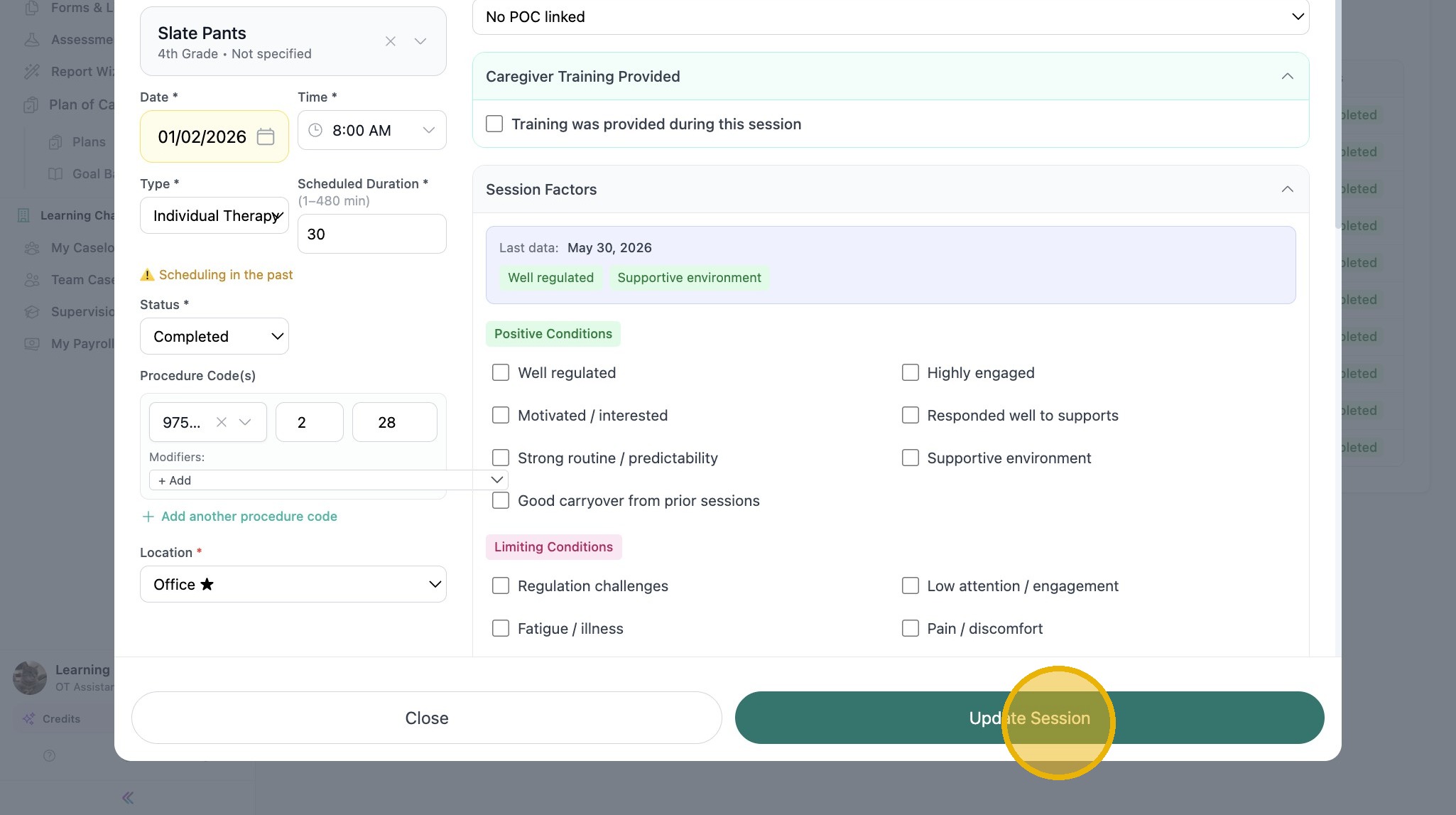
11. Click "Update Session" to save at any time
12. Select from the Location dropdown menu
See other articles in Session Notes here.